How to Schedule WhatsApp Messages on Android
Learn how to schedule WhatsApp messages on Android using free third-party apps. Step-by-step guide, safety tips and what to expect from WhatsApp's upcoming native scheduler.
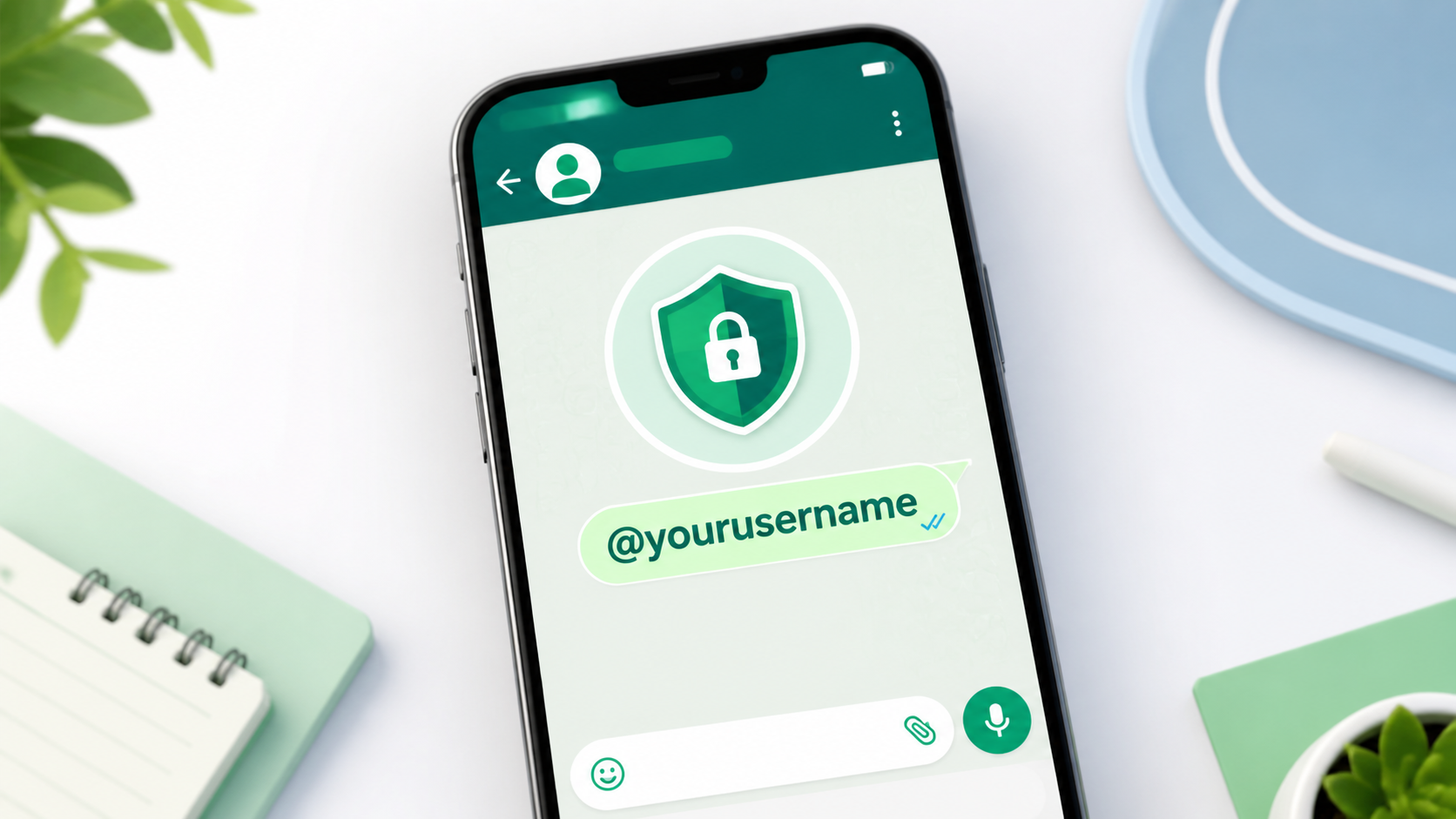
WhatsApp has introduced usernames to help people connect without immediately revealing their phone numbers. With this feature, you can create a unique username, share it with someone, and start a conversation while keeping your number private from new contacts.
WhatsApp usernames are being introduced gradually. The company says users can reserve a username from the latest version of the app by going to Settings > Account > Username. The feature is optional, and users will be notified inside WhatsApp when username-based conversations become available in their country or account.
The important part: usernames do not replace your phone number completely. A phone number is still required to create and operate a WhatsApp account. The username simply gives new people another way to identify and contact you.
A WhatsApp username is a unique identity that people can use to contact you instead of asking for your mobile number. It works in a similar way to usernames on Instagram, Telegram, or other messaging platforms.
Instead of saying, "My WhatsApp number is +91 XXXXX XXXXX," you may be able to say, "You can contact me on WhatsApp using @yourusername."
This can be useful for new customers, online buyers and sellers, freelancers and clients, social media followers, people met at events, public community members, temporary contacts, and businesses that want to avoid publicly displaying a personal number.
WhatsApp usernames are intended as a privacy feature, but they do not completely remove the need for a phone number. A phone number is still required to create and operate a WhatsApp account. The username simply provides another way for new people to identify and contact you.
WhatsApp has also stated that there will not be a public directory of usernames. People will need to know your exact username to contact you for the first time, and the app will not automatically suggest every user with a similar name.
Before following these steps, update WhatsApp from the official Google Play Store or Apple App Store. The username option may not appear if your app is outdated or if the feature has not reached your account yet.
For personal use, you could select a name based on your first name, nickname, profession, or online identity. For business use, use a handle that matches your brand name. Examples of simple usernames include @rahuldesigns, @mehsanatravels, @imoodsy, @neha_creates, and @gujaratfoods.
Do not use your full phone number, bank details, email password, government identification number, or other private information in a username.
WhatsApp announced that users can reserve usernames before the complete username-messaging feature becomes available. The company is rolling out the feature gradually and says users will receive an in-app notification when it becomes available in their country.
Avoid downloading unofficial modified versions of WhatsApp to access usernames early. Unofficial apps can expose your messages, account credentials, media files, and personal information.
Some accounts may see an optional Username Key feature. A username key gives you additional control over who can contact you using your username. If you set one, a person may need to know both your exact username and the key before sending you a new message.
A key helps when you want to share your username with a small group, genuine customers, or event contacts without opening the door to everyone.
Do not publish your username key openly on social media if your goal is to limit unwanted messages.
WhatsApp describes this as an optional control for limiting unwanted contact. You can use a username key when you want to share your username with a limited group, are promoting your business temporarily, want to avoid random messages, are sharing your username publicly, or want an extra layer of control over new conversations.
Do not publish your username key openly on social media if you want to keep your username private. Share it only with people you trust or with genuine customers who need to contact you.
The main advantage of WhatsApp usernames is that you do not need to give your mobile number to every new contact.
When you enable and use a username, WhatsApp says that people who message you or a business for the first time will not see your phone number. This can be helpful for people who want to communicate online while keeping their personal number private.
For example, imagine that you sell handmade products through Instagram. Previously, you might have placed your personal WhatsApp number in your Instagram bio. Anyone could save it, call you, add you to groups, or share it with others.
With a username, you can share your WhatsApp identity without placing the number directly in your bio.
This does not mean that usernames provide complete anonymity. Keep the following points in mind:
For stronger privacy, open Settings > Privacy and review who can see your profile photo, About information, Status, last seen, online status, and read receipts. You can also read our guide on how to hide your online status on WhatsApp.
| Feature | WhatsApp Phone Number | WhatsApp Username |
|---|---|---|
| Required to create an account | Yes | No |
| Can be shared with new contacts | Yes | Yes |
| Helps hide your number | No | Yes, for eligible new conversations |
| Easy to remember | Not always | Usually easier |
| Can be published publicly | Risky | More suitable, but still requires caution |
| Public directory | Not applicable | No public directory |
| Username key available | No | Optional username key |
| Best for | Account registration and known contacts | New contacts, business, and online communication |
A phone number remains the foundation of your WhatsApp account. A username works as an additional identity layer rather than a complete replacement.
For follow-up reminders, you may want to schedule WhatsApp follow-up messages on Android. Check whether your chosen method supports username-based recipients; do not assume compatibility.
WhatsApp usernames can be especially useful for small businesses, freelancers, creators, and online sellers.
A business can promote a username on Instagram, Facebook, a website, or a product page without displaying a personal mobile number. This can reduce unwanted calls and help separate personal and professional communication.
Possible examples include a real estate agent sharing a username with property leads, a home baker accepting orders through WhatsApp, a freelancer communicating with potential clients, a coaching class answering admission questions, a local shop sharing a username during a festival sale, or a content creator allowing followers to make business inquiries.
Home bakers, shops, coaching classes, and real estate agents can share a memorable username with leads and customers.
Creators and freelancers can let followers or clients make business inquiries without posting a personal number publicly.
A professional WhatsApp Business profile, clear hours, product details, and a clean profile image still matter.
Businesses should still use a professional WhatsApp Business profile, clear opening messages, business hours, product information, and appropriate privacy settings.
WhatsApp's Help Center notes that creating and editing a business username is currently done through the mobile application rather than WhatsApp Web. If the option is missing on your computer, open WhatsApp Business on an Android phone or iPhone and check the business profile settings.
You can improve your WhatsApp business presence by creating a professional profile image. For that, see iMoodsy's guide to a free AI background remover for WhatsApp DP.
The username option may not be available for everyone immediately. WhatsApp has stated that usernames will be rolled out gradually, so the feature may depend on your account, country, app version, or rollout stage.
Ask the person to check the spelling carefully. Usernames are exact, and WhatsApp does not provide a public directory or broad username suggestions. Send the username in a separate message so the other person can copy it instead of typing it manually.
Try another variation. You can add a relevant word, use an underscore if supported, or choose a short number that does not reveal personal information. For example, @rahulphoto, @rahulphotos, @rahulphotography, or @rahulstudio.
The username feature is being introduced in stages. Also, username-based privacy is mainly relevant to new conversations after the feature is active. Do not assume that people who already know or saved your phone number will suddenly forget it.
Check your WhatsApp privacy settings and remember that usernames do not change the phone number linked to your account.
If you receive spam, block and report the account. You can also limit who can add you to groups and reduce the visibility of your profile information.
If you publicly share a username, consider using a username key where available. This can help you control who is allowed to start a conversation through that username.
WhatsApp has also introduced stronger account-security features, including improved two-step verification and passkeys that can use a fingerprint, Face ID, or screen-lock code for sign-in. These features are separate from usernames, but using them together can provide better account protection.
For more creative WhatsApp content, you can read iMoodsy's guide on how to create animated WhatsApp stickers from photos. Stickers, usernames, and Status updates can help you maintain a more engaging WhatsApp presence without revealing unnecessary personal information.
WhatsApp usernames provide a more private way to connect with new people, businesses, clients, customers, and online communities. Instead of publishing your phone number, you can share a unique username and, where available, add a username key for extra control.
To create one, update WhatsApp and go to Settings > Account > Username. Choose a memorable handle, reserve it, and wait for WhatsApp to notify you when username-based messaging is active for your account.
The feature does not make WhatsApp completely anonymous, and you should still review your privacy settings, enable two-step verification, and avoid sharing verification codes. Used carefully, however, WhatsApp usernames can help separate your online identity from your personal phone number.
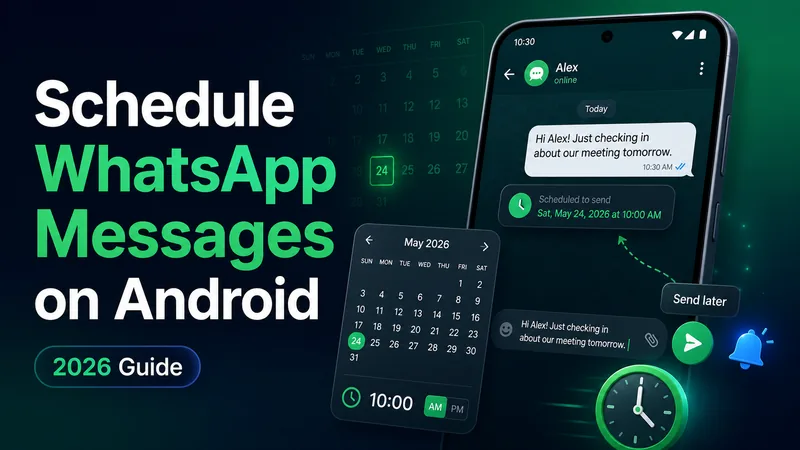
Learn how to schedule WhatsApp messages on Android using free third-party apps. Step-by-step guide, safety tips and what to expect from WhatsApp's upcoming native scheduler.
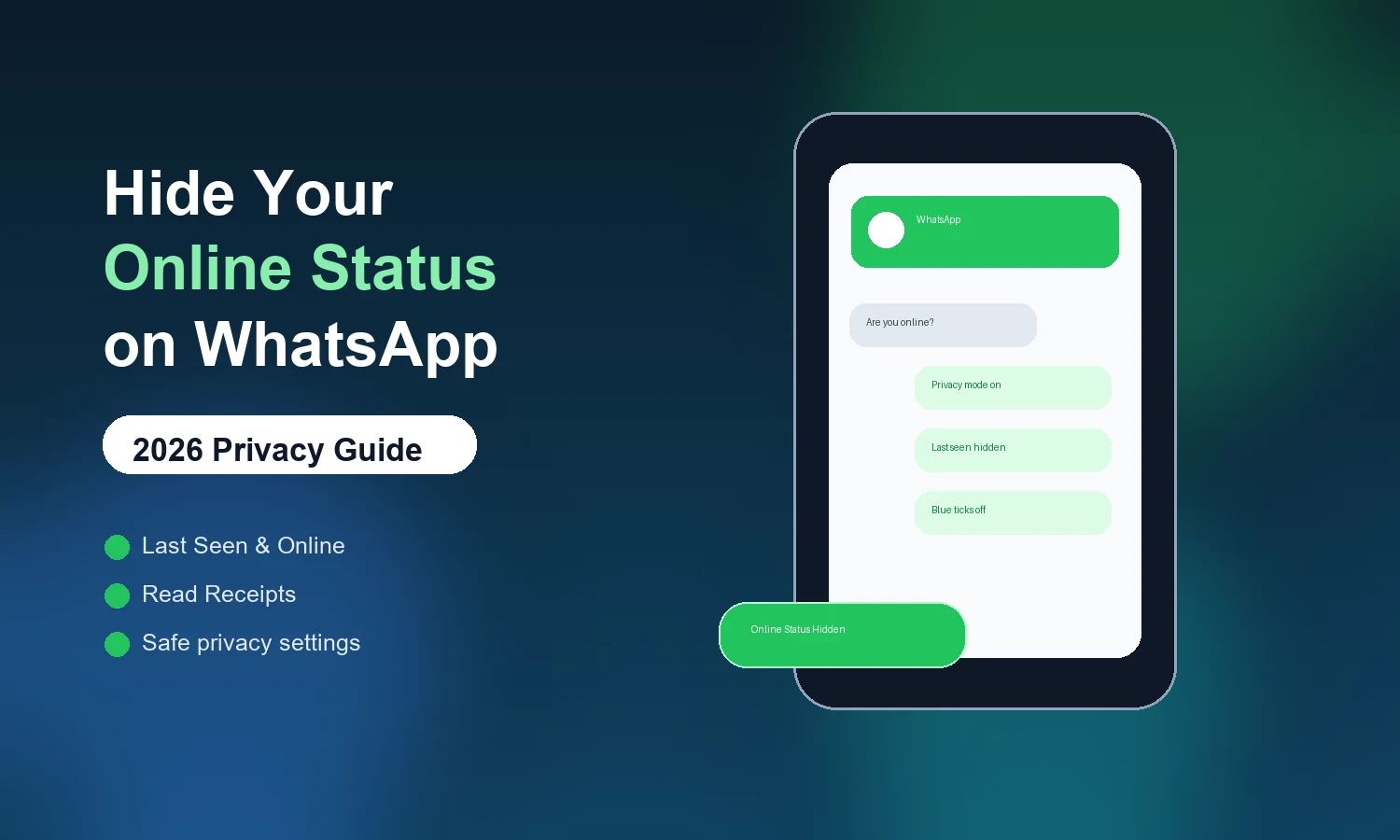
Want to stay invisible on WhatsApp? Learn how to hide your online status, Last Seen, and Blue Ticks with this complete step-by-step privacy guide for Android and iPhone.
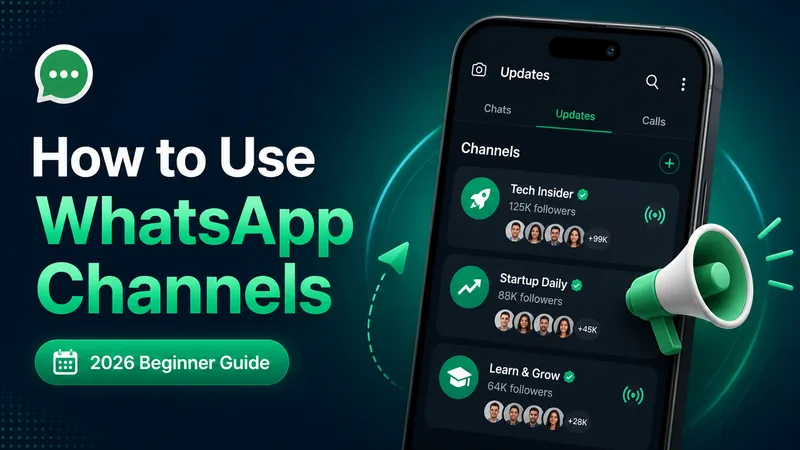
New to WhatsApp Channels? Here's a plain-English guide to following, creating, and managing them - what they're for, how they work, and where they fit next to groups.
Explore practical guides to hosting, apps and everyday technology.