Best Free AI Photo Enhancer Apps for Old and Blurry Photos
Compare the top free AI photo enhancer apps for old and blurry photos, including Remini, YouCam Enhance, Fotor, Picsart, Snapseed, Upscale.media, and more.
Plain text and default emojis only go so far. Animated stickers made from your own photos make chats feel personal, funny and instantly recognisable.
Whether you want to turn a funny selfie into a reaction sticker, animate a photo of your pet, or build a custom pack for a friend's birthday, you don't need design experience. A few free apps handle background removal, animation and WhatsApp export for you. Here's everything you need - the tools, the exact steps, the format rules and the tips that keep your stickers looking clean.
The apps have caught up faster than most people realize. What used to require actual design software - cutting out backgrounds, adding motion, exporting in the right pixel dimensions - is now handled automatically by free mobile apps in under a minute. The part that still trips people up is not the editing, it is WhatsApp's technical requirements: wrong file size, wrong dimensions, or a missing tray icon are the most common reasons a finished pack fails to import.
Generic packs are everywhere, but they don't say anything about you. Stickers made from your own photos are far more expressive than a normal emoji.
Reaction stickers using your own facial expressions.
Personalised stickers of pets, friends or family.
Festival and birthday wishes with a personal touch.
Trending meme formats - but starring you.
The common thread across all four is specificity. A generic laughing emoji works for anyone; a sticker of your own dog mid-zoomie only works in your group chat, which is exactly why it gets used more. Custom packs do not need to be polished to land - a slightly rough, obviously-you sticker often reads as more genuine than a perfectly designed one.
If needed, improve a blurry source photo before cutting out the subject, while keeping the original for comparison.
Well-lit, with the subject visible and free of clutter.
One person, pet or object beats a crowded group photo.
Import and newer creation tools depend on the app version.
A 2-3 second clip gives more natural movement than a still.
None of these requirements are strict - most apps will still let you proceed with a slightly busy background or a longer clip - but starting with a clean, single-subject photo or short clip saves you a re-export later. If the background removal step misses edges around hair or fur, that is almost always traceable back to a cluttered original photo rather than a weak app; for a cleaner source image, try a free AI background remover for WhatsApp DP first.
WhatsApp keeps adding creative tools like selfie stickers and custom pack sharing. Availability varies by region, device and version.
This built-in option is the fastest path when it is available, since there is nothing to download and no account to set up - WhatsApp handles the background removal and formatting itself. The trade-off is control: you get fewer editing options than a dedicated app, so if you want to add motion, text, or a custom tray icon, you will likely still end up in one of the third-party apps below.
Four reliable ways to turn a photo into an animated pack - from one-tap simple to full creative control.
Beginner-friendly, great for both static and animated packs with direct WhatsApp export.
Popular for creating, discovering and sharing packs, with templates and effects.
Focused on converting short videos or GIFs into moving stickers.
More editing control before export - effects, text, decorations and background removal.
If you're making your first pack, Sticker Maker is the easiest starting point since it does one thing well without extra features to figure out. Once you're comfortable with the basics and want more control over animation timing or style, Animated WASticker Maker and Filmora AI Sticker Maker are worth trying next - both take more setup but give noticeably better results for animated packs.
The process is nearly identical across all four apps above, even though the interfaces look different. Here is what each step actually involves:
Open your app and upload a well-lit photo with a clearly visible subject.
Let the AI cut it out, then check edges around hair, clothing and fine details.
Apply bounce, wiggle, blink or zoom - or import a short clip for natural movement.
A short caption, emoji or outline helps the sticker land the mood.
Packs need a small tray icon - most apps generate it from your first sticker.
Tap "Add to WhatsApp" to import the pack into your sticker tray.
You may already have frames of motion to turn into a short clip.
A small wave, smile or blink looks more natural than fake motion.
Apps like Sticker.ly can add bounce, sparkle or zoom to a still.
Whichever method you use, the goal is subtlety. A sticker that moves too much or too fast tends to look more like a glitch than an animation, especially at the small size stickers display in chat. A short, single motion - one blink, one head tilt, one zoom - almost always reads better than several effects layered together.
Dedicated apps usually handle these automatically, but it helps to know the limits.
These are not arbitrary limits - they are the same constraints WhatsApp applies to its own default stickers, so packs that meet them display identically across devices and app versions. Most dedicated sticker apps handle all of this automatically on export, but if you're ever building a pack manually or troubleshooting an import failure, checking against these numbers first will usually reveal the problem.
WebP only. Don't mix animated and static stickers in one pack.
Each sticker must be exactly 512 x 512 pixels.
Animated <= 500KB; static <= 100KB per sticker.
At least 3 stickers, up to 30 per pack.
Animated stickers should be 10 seconds or shorter.
Every pack needs a tray icon so users can recognise it.
You can read the public documentation on the official WhatsApp Stickers GitHub repository.
If the Add to WhatsApp button does not appear at all, it usually means the app has not finished processing the pack yet - closing and reopening the app after a minute typically resolves it. When you are testing packs late at night, you may also want to hide your online status on WhatsApp so experiments do not broadcast that you are active.
Zoom in and remove stray pixels before exporting.
Subtle movement looks better than jerky motion.
One subject or colour style looks far more polished.
Clear photos and videos always produce better stickers.
It should still be recognisable when very small.
Leave a little space so nothing important gets cropped.
If you only take one tip from this list, make it clean cutouts - a slightly imperfect animation is barely noticeable, but a visible background halo or jagged edge is the single fastest way for a sticker to look unfinished.
Creating animated WhatsApp stickers from your own photos is easier than ever. Start with a clear photo or a short clip, let the app handle background removal and formatting, then import your pack. Make a small pack of 5-6 first, then grow it into a full themed set once you find your style.
Explore More WhatsApp Tips
Compare the top free AI photo enhancer apps for old and blurry photos, including Remini, YouCam Enhance, Fotor, Picsart, Snapseed, Upscale.media, and more.
Discover the best free AI background remover tools to create a clean, professional WhatsApp DP. Step-by-step guide, tool comparison, and pro tips inside.
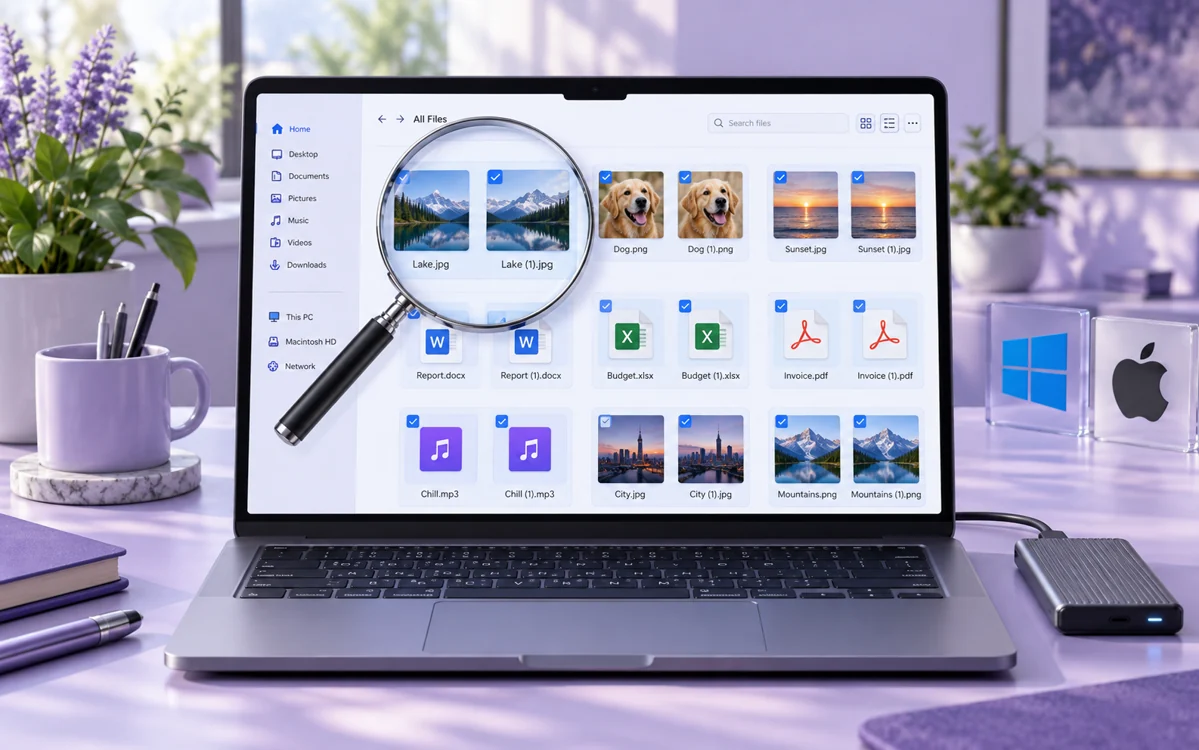
Looking for the best free duplicate file finder for Windows and Mac? Compare 10 tested tools that remove duplicate photos, songs, and documents and reclaim gigabytes of disk space safely.
Explore practical guides to hosting, apps and everyday technology.