How to Fix Instagram Reels Not Getting Views
Reels stuck at 0 or low views? Learn how the 2026 Instagram Reels algorithm tests content, why views stall, and how to fix retention, SEO, audio and account status issues.
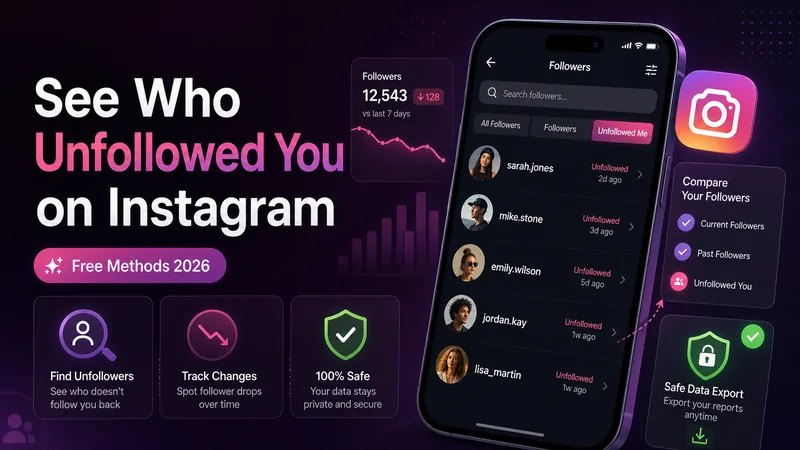
You notice your follower count dropped by one. Maybe two. And now you are scrolling through your list trying to figure out who it was, half out of curiosity and half because you genuinely want to know if it was someone specific.
If you have been down this rabbit hole before, you already know Instagram is not going to just tell you. There is no notification, no little "so-and-so unfollowed you" alert waiting in your activity tab. That is intentional.
Still, there are real ways to figure it out, some built right into the app and some that just take a bit of manual effort. This guide explains what actually works, and just as importantly, what to stay away from.
No, and it never really has. There was a point years ago when a few third-party apps briefly exploited loopholes to surface this, but Instagram closed those paths and has never added a native unfollow alert.
It is not hard to guess why. Unfollows represent churn, and churn is not something Instagram wants front and center for the platform or for creators. Constantly seeing who left would probably make people more anxious about posting, not less. So this stays a manual job.
The simplest method is also the most tedious, but it costs nothing and cannot get your account flagged. The idea is basic: check your followers list now, check it again later, then spot the difference yourself.
If you are also cleaning up old Instagram activity, this pairs well with saving anything important before you delete your Instagram account permanently.
If you have someone specific in mind because they stopped liking your posts or you just have a hunch, you do not need to comb through your entire list.
This takes about ten seconds and answers the question for one person without needing any tool at all.
Before you jump to conclusions, rule this out. If someone's name disappears from your followers and you also cannot find their profile when you search directly, that is usually a block, not a simple unfollow.
A plain unfollow still lets you see their profile, their posts if public, and message them normally. They have just stopped seeing your content in their feed. A block is more deliberate and total; their profile essentially vanishes from your view entirely.
This is the closest thing to a real solution that stays entirely within Instagram's own tools. It takes more effort upfront, but it is free and does not involve handing your data to anyone else.
Repeat the process monthly and compare the follower list from each export against the last one. Even pasting both lists into a spreadsheet and using a basic comparison formula can show you exactly who is missing between two snapshots.
Search this topic and you will find plenty of websites and apps promising instant unfollow tracking. Some are reasonable to use. Others are exactly the kind of thing that gets accounts flagged. The difference usually comes down to what they ask you for.
Tools that ask you to upload the data export file you got from Instagram, never ask for your password, and explain how your file is processed.
Apps asking for your Instagram username and password, broad browser-extension access, or real-time unfollow alerts Instagram does not officially expose.
If a tool only needs the export file you generated yourself, it is working with data you control. If it wants your login, it is asking for more than it needs.
When you hand over your Instagram username and password to a third-party app, you are giving it full access to your account, not just your follower list. These apps often work by repeatedly polling Instagram for data, which can look like automated behavior Instagram's systems are built to detect.
Beyond the restriction risk, there is the basic security concern: you do not know what a random app is doing with your login credentials. Session hijacking, credential leaks, and unauthorized posting are real possibilities.
Audience activity can also help you find your best Instagram posting time; use your account’s Insights rather than assuming a general schedule fits every audience.
If you run a professional account, Instagram Insights gives you something adjacent to this, even if it stops short of naming names. You can see follower growth and loss trends over specific time periods, which helps you spot when a drop happened.
It will not tell you individual usernames. Think of Insights as a "when and roughly how much" answer rather than a "who" answer. For creators planning content around those patterns, our guide to AI tools for Hindi content creators may also help with captions, scripts, and post planning.
If weak video performance is part of the problem, learn how to improve Reels that are not getting views. Reach and follower retention are different metrics, so evaluate both.
At some point, chasing individual names matters less than understanding the pattern. If you are consistently losing followers rather than the occasional one or two, it is usually tied to something specific in your recent content or posting habits.
If a Reel worked well and you want to save it for repurposing, read how to download Instagram Reels without watermark safely before reusing anything.
Instagram was never going to make unfollows easy to track, but you are not stuck guessing. For occasional curiosity, search a specific username directly. For a fuller picture over time, use Instagram's data export. And if a tool asks for your password instead of an export file, that is your answer to skip it.
Reels stuck at 0 or low views? Learn how the 2026 Instagram Reels algorithm tests content, why views stall, and how to fix retention, SEO, audio and account status issues.
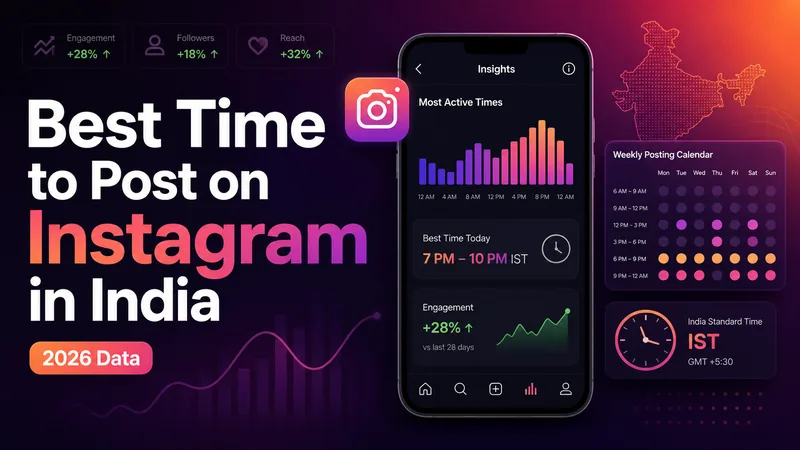
The definitive 2026 guide to the best time to post on Instagram in India, with IST slots by day, format, industry, city tier, and audience Insights.
Learn how to download Instagram Reels without a watermark the right way. Step-by-step methods, tool safety tips and what you need to know about copyright.
Explore practical guides to hosting, apps and everyday technology.